aka.ms/NetworkSetup: The Direct Link & Fast Fix Guide (2026)
Quick Access: Click here to open the official aka.ms/NetworkSetup portal
Status: Link Active for Windows 11/10 (US Region) Goal: Skip the “Let’s connect you to a network” screen and create a local account.
Overview
Most US users landing here are stuck in a “No Internet” loop during a new PC setup. If the official link isn’t loading or you have no Wi-Fi options, use these commands immediately.
Table of Contents
Toggle2026 Build Alert
Microsoft has recently limited OOBE\BYPASSNRO on Windows 11 builds 26100+. If the standard bypass reboots your PC back to the same lock screen, use Method B (ms-cxh) immediately below.
Procedure 1: Bypassing the Network Setup
Step 1.
On the "Let’s connect you to a network" screen, press Shift + F10 (or Fn + Shift + F10).
Step 2.
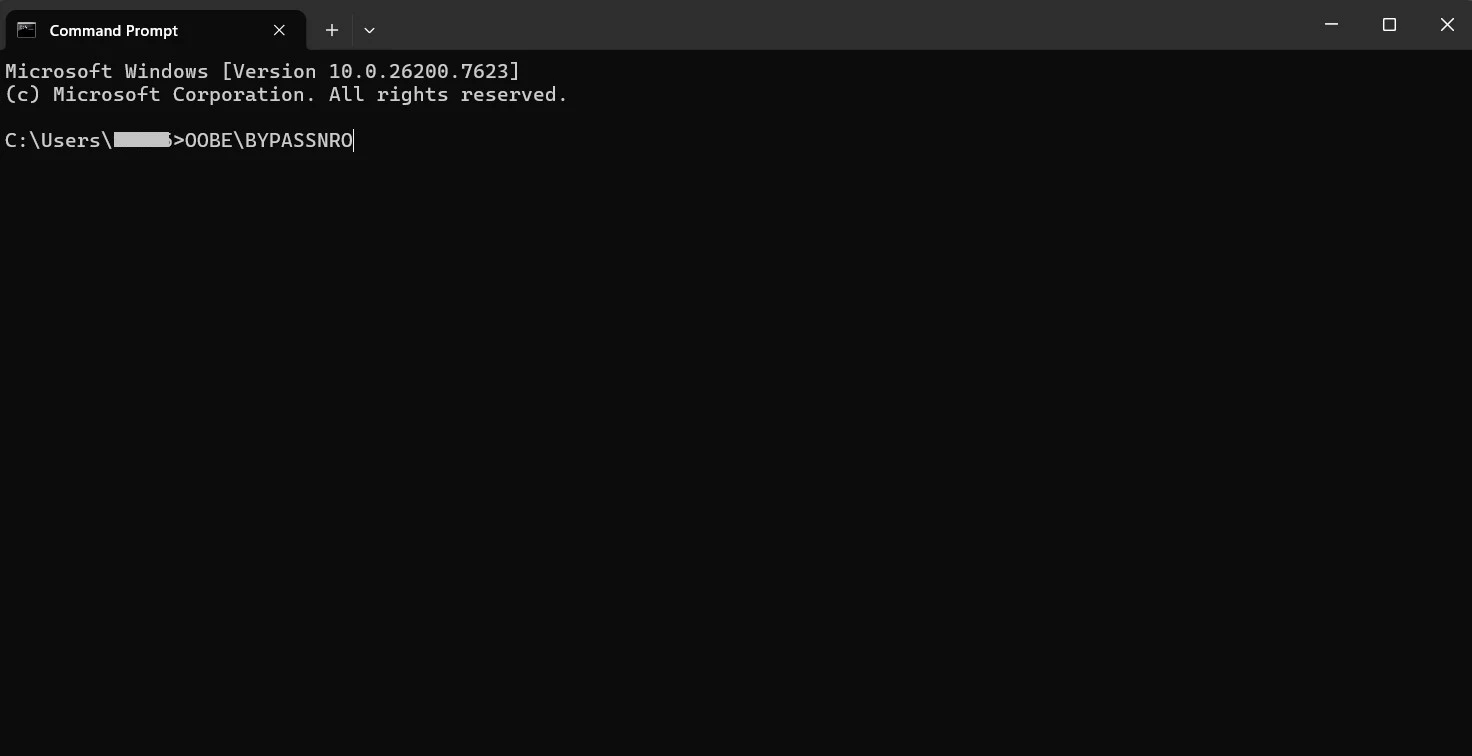
Type the following and press Enter: OOBE\BYPASSNRO
Step 3.
Your PC will restart. Select "I don't have internet" when you return to the network screen.
Procedure 2: "ms-cxh" Command (2026)
If Method A fails to show the "I don't have internet" button:
Step 1.
Open the Command Prompt again (Shift + F10).
Step 2.
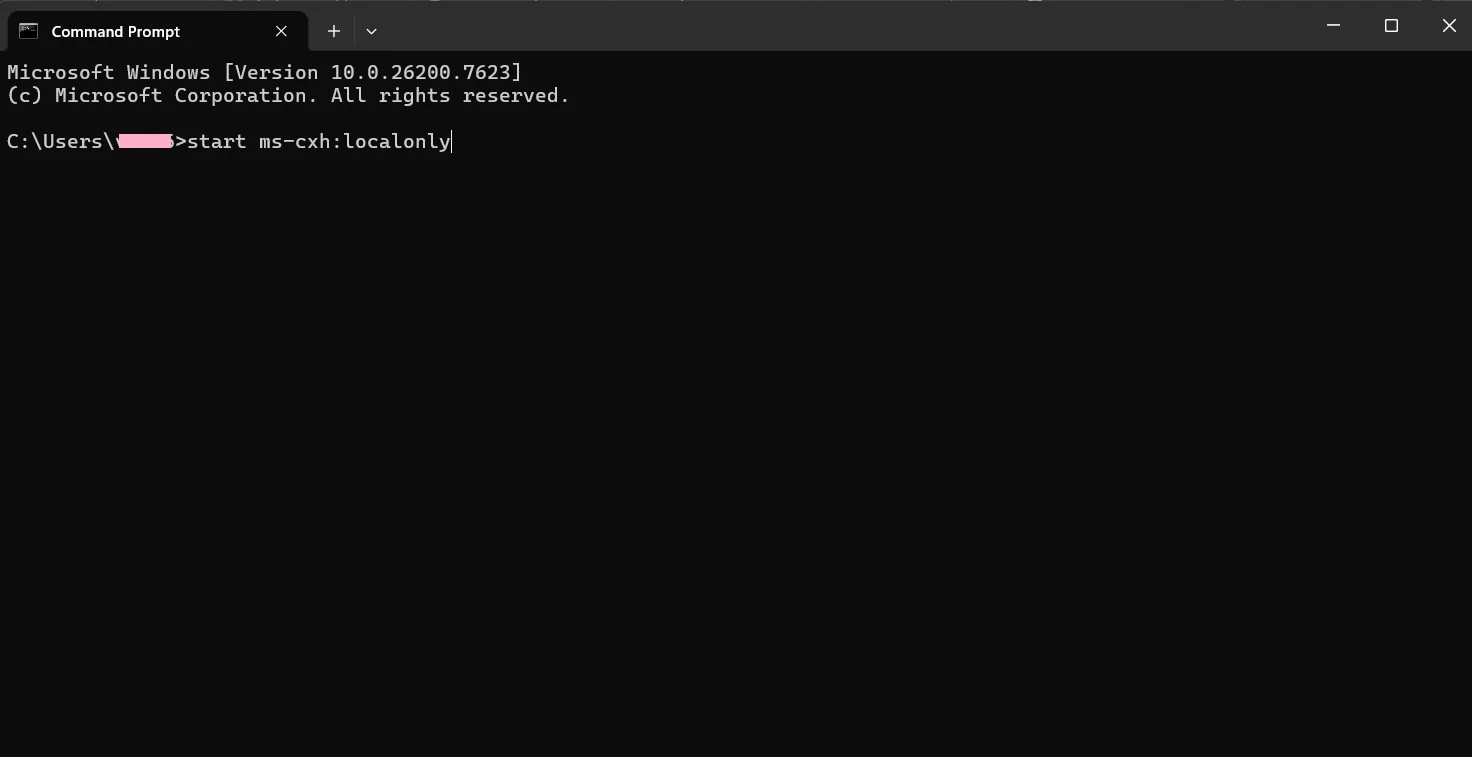
Type the following and press Enter: start ms-cxh:localonly
Step 3.
The Result: This triggers the local account window immediately, bypassing the reboot.
What is aka.ms/NetworkSetup?
The shortcut aka.ms/NetworkSetup is a Microsoft vanity URL designed to trigger the Network Sign-In or Out-of-Box Experience (OOBE) flow. In the US, this is primarily used when setting up new laptops (Dell, HP, Lenovo) or connecting to enterprise Wi-Fi.
Why you are seeing this prompt:
Initial Setup: You are setting up a new device and need to bypass the “Let’s connect you to a network” screen.
ISP Authentication: Your provider (Xfinity, Spectrum, or AT&T) requires a browser-based login.
Driver Failure: Windows cannot find your Wi-Fi card and is trying to route you to a troubleshooting portal.
When the Shortcut Fails: Task Manager Method
US tech forums recommend this if your hardware is frozen or a driver conflict is preventing the commands above from running.
Open Command Prompt (Shift + F10) and type
taskmgr.Go to the Processes tab and click “More Details.”
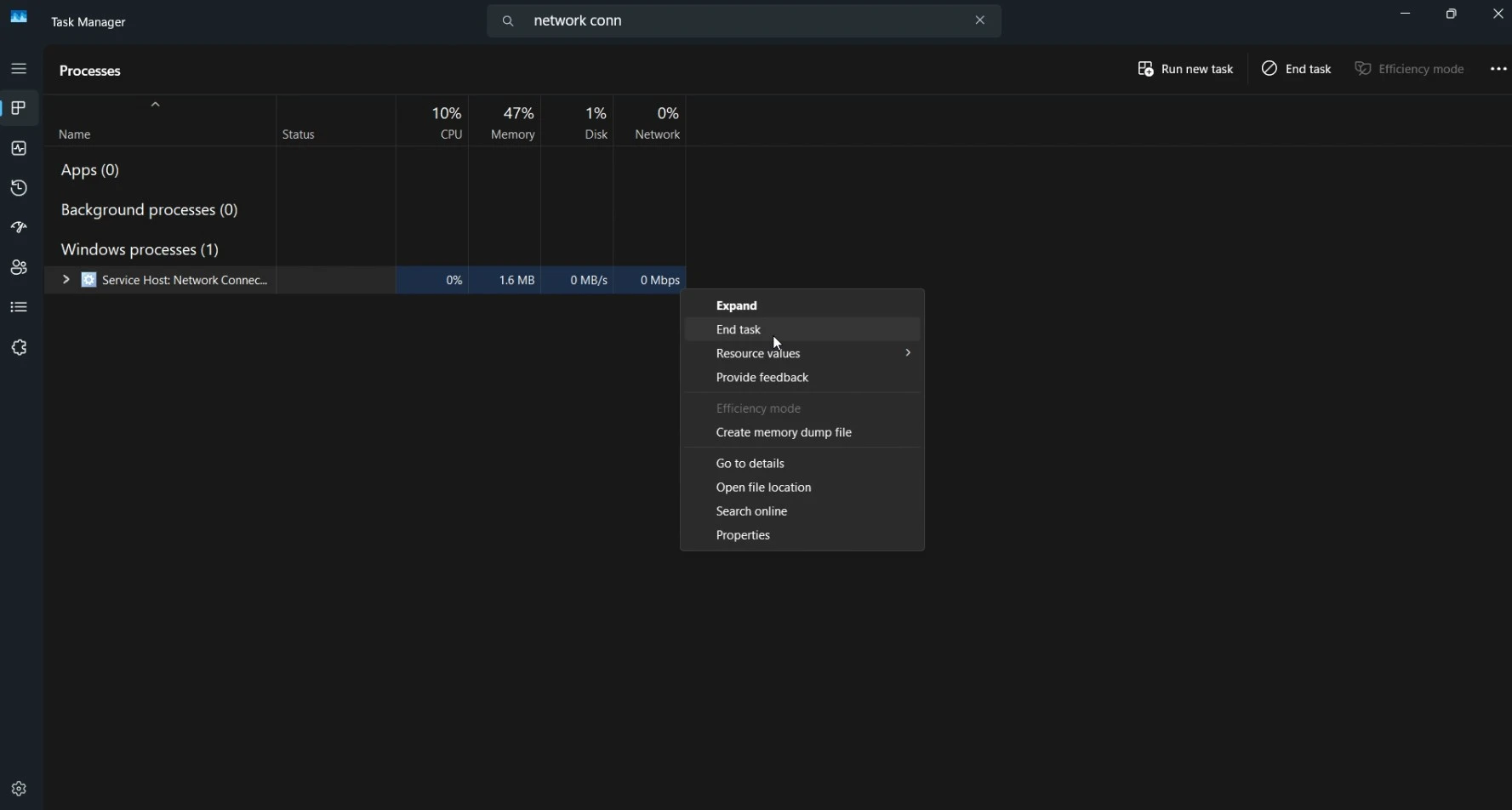
Find “Network Connection Flow” (oobenetworkconnectionflow.exe).
Right-click and select End Task.
The setup screen will “crash” back to the local account creation page.
Procedure 3: Fixing "Missing Wi-Fi" (Driver USB Guide)
If no Wi-Fi networks appear at all, you are likely missing US-market drivers for your network adapter (Intel, Realtek, or Qualcomm).
You will need:
A second PC and a USB drive.
Step 1.
Identify your PC Model: (e.g., Dell XPS 13 or HP Pavilion).
Step 2.
Download Drivers: Search "[Your Model] Windows 11 Wi-Fi Driver" on the manufacturer's site.
Step 3.
Install during Setup: Plug the USB into your new PC.
Step 4.
Press Shift + F10, type devmgmt.msc, and hit Enter.
Step 5.
Right-click the "Network Controller" (yellow warning icon) > Update Driver > Browse my computer > Select your USB drive.
Advanced Troubleshooting for US ISP Restrictions
In the US, captive portals (common with Verizon or Google Fiber) can block the aka.ms redirect.
The Registry “Hard Fix”:
If you want to permanently disable the internet requirement for this installation:
In Command Prompt, type
regedit.Navigate to:
HKEY_LOCAL_MACHINE\SOFTWARE\Microsoft\Windows\CurrentVersion\OOBERight-click > New > DWORD (32-bit) Value.
Name it
BypassNROand set the value to1.Type
shutdown /r /t 0in CMD to restart.
Frequently Asked Questions (FAQ)
A: Microsoft hides this in Windows 11 Home and newer Pro builds to force Microsoft Account adoption. The commands in Section 1 restore this button.
A: Yes. These are official system commands provided within the Windows software environment for offline configuration.
A: S-Mode is restrictive. If Shift+F10 fails, try entering a “locked” email like
[email protected]with a random password. When it fails, Windows defaults to a local account.
A: Yes. Once you reach the desktop, you can connect to Wi-Fi normally via the Taskbar settings.
A: Yes, it is an official Microsoft short-link.
A: Yes, the
ms-cxh:localonlycommand is specifically effective for Home editions in 2026.
Disclaimer: This guide is for informational purposes only. Modifying the Windows Registry or using OOBE bypass commands can affect system stability. Ensure you have a backup of your data before proceeding. akamsnetworksetup.com is not affiliated with Microsoft.